
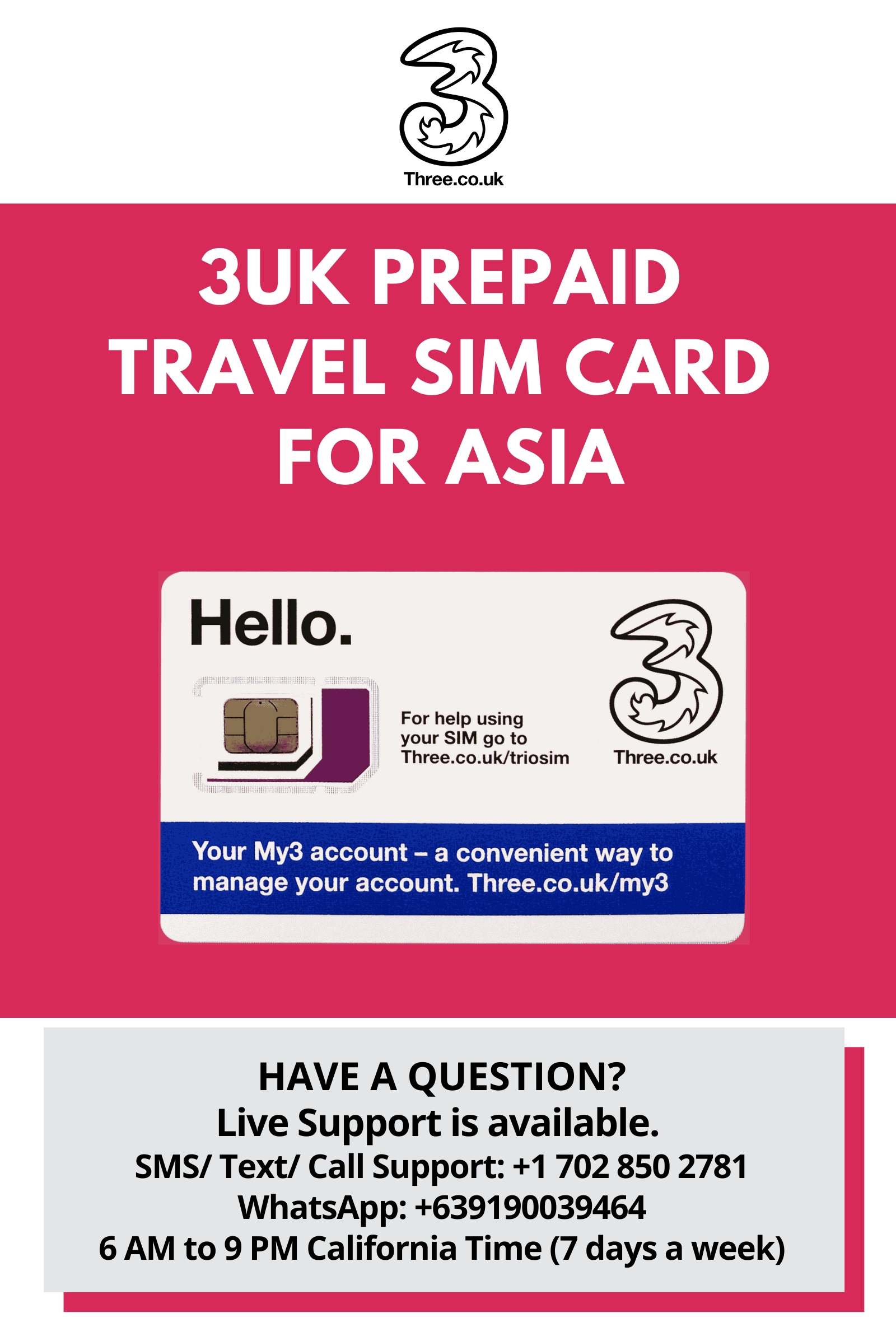
Asia Travel SIM Card by 3UK (Hongkong, Indonesia, Macau, Singapore, Sri Langka, Vietnam) with 12GB Data only for 30 Days
$25.00
| Carrier | 3UK |
|---|---|
| Coverage | Asia — Hongkong, Indonesia, Macau, Singapore, Sri Langka, Vietnam |
| Data | 12 GB |
| Validity | 30 days |
| Talk and text | Data only |
| Price | $25.00 |
PayPal and Venmo are accepted here. Cards can be used through PayPal. No PayPal account is needed.
Listing details
- This SIM Card is not yet activated. Reach out to us to activate SIM Card.
- 12GB DATA in Hong Kong, Indonesia, Macau, Singapore, Sri Lanka, Vietnam for 30 days.
- NO HOTSPOT/TETHERING. Use in an unlocked GSM Phone only.
- You will get a UK phone number.
- No calling or texting.
- No calling/texting to USA
- For activation, go to www.bigtravelstoresupport.com
- HAVE A QUESTION? Live Support is available. AFTER-SALES SERVICE AND SUPPORT: We value our customer's trust in our products. If you have any queries, our Support Team is available 15 hours a day (6AM to 9PM Pacific Standard Time), 7 days a week. We will do our best to always make things right for you.
HOW TO ACTIVATE THE SIM CARD
Go to www.bigtravelstoresupport.com and click the ACTIVATION from the homepage.
Fill out the form completely. We will send you an email to confirm.
For Activation Requests via SMS / WhatsApp please provide the following information:
- SIM Card Number
- Please confirm that you will be using an unlocked Non-contract GSM phone.
- Specify the Make and Model of your Unlocked GSM phone with no contract.
- Your preferred activation date/ Travel date.
- Destination
BASIC TROUBLE SHOOTING: If in case, you are having any issues, reboot phone, turn it off, remove SIM, re-insert SIM and turn the phone back on. DATA / INTERNET ACCESS
1. Please try to create new APN. Go to Settings > More / Cellular Network settings > Access Point Names. Press the Menu and select New APN. Then enter the following APN:· Profile name: Internet· APN: three.co.uk2. Please ensure that you select the profile afterwards.
3. Restart your device after you have completed the setup
4. Please also make sure that you “switch on” data-roaming
TO CHECK THE BALANCE: 1. Register to My3 Account online. https://www.three.co.uk/My3Account/My3/Login or download the Three App
Then choose Allowance – it will show remaining allowance and its expiry date.
If you need help setting up and using your mobile device, please refer to this link:
http://www.three.co.uk/support/device-support